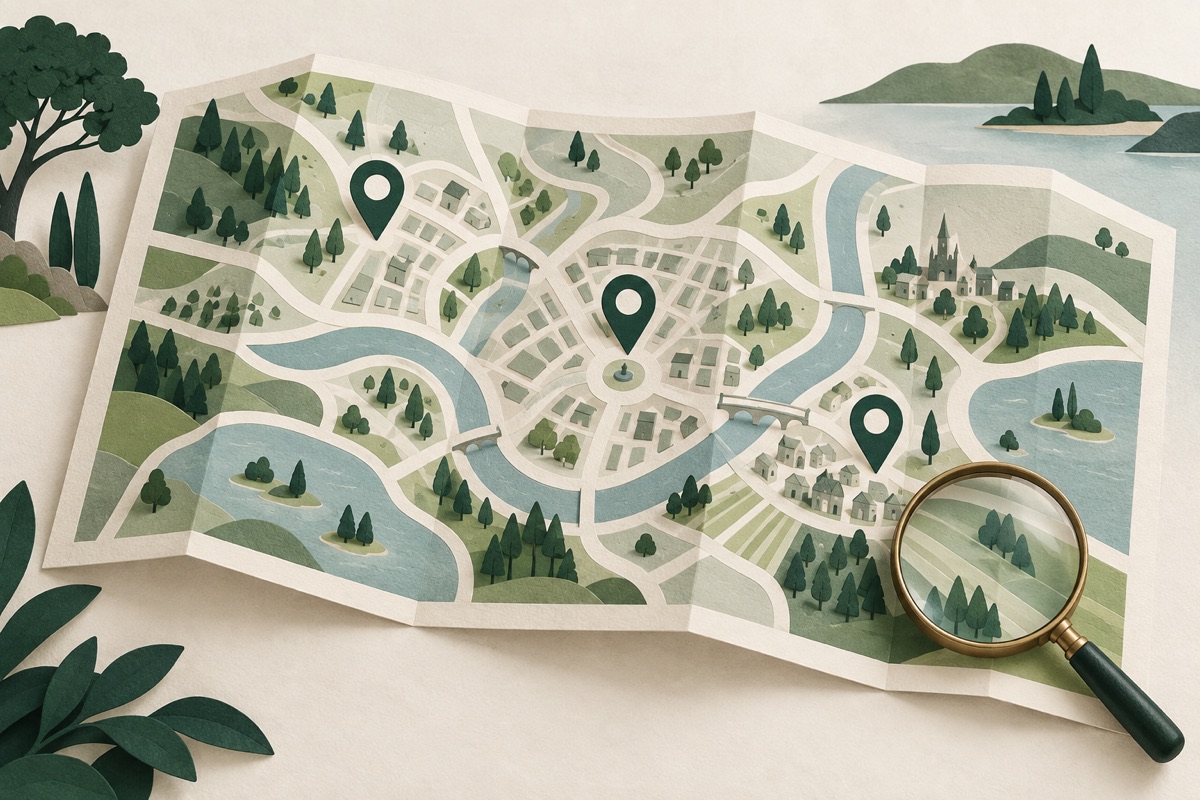
Filter the office list, open the map, and select a marker or office name. Check the source address before you open directions. A map pin does not confirm opening hours or a current offer.
Start with the transaction
Select the currency on the rate page. Decide whether you sell foreign currency or buy it. Then use the office type, area and name filters. The buy and sell guide explains which column applies.
The list and map use the same filtered office set. The list initially shows a smaller group for easier reading. Use the action below the list to show more offices. The map can include all matching offices with supplied coordinates, including names beyond the first visible list rows.
Use an area as a search aid
Area filters match place names in the source address. They cover Lefkoşa, Girne, Gazimağusa, Güzelyurt, İskele and Lefke. The app accepts several Turkish and English names for these places.
This is address-text matching. It is not a verified district boundary. An address that mentions more than one place can match more than one area. Missing or unrecognized place text appears under the unknown-area choice. If a result seems absent, clear the area filter and search for the office name.
Read markers and groups
A numbered marker represents several nearby pins at the current zoom. Select it to move closer and see the office names in that group. If offices share the same coordinates, use the group names or the office selector to choose one.
A star identifies a saved office. A bank marker identifies the source's bank type. A reference marker identifies a central bank reference row. These symbols describe data categories. They do not certify an office or mark a paid placement.
Move and resize the map
Use the plus and minus controls to change zoom. Drag the map with a pointer or use two fingers to move and pinch on a touch screen. Keyboard users can focus the map and use arrow keys, plus, minus and Home.
The fit action returns the map to the matching locations. The expand action gives the map more page space. It does not open a separate app. Use the selected-office action to return to the selected pin. The scale describes approximate map distance, not a travel route or arrival time.
Check office details before directions
Select an office to read its supplied address, quote time, buy rate and sell rate. You can save it, use its quote in the calculator, or copy its address. A shared office link identifies the office and selected currency. It does not freeze the price shown when you copied the link.
Direction links open OpenStreetMap, Apple Maps, Google Maps or the source's own supplied link. These external services have their own terms. Confirm the address and route there. This site does not calculate border crossings, travel restrictions, opening hours or journey times.
Missing coordinates do not mean a closed office
Some source rows have no coordinates. They remain available in the list and office selector. The app does not invent their location. Supplied pins can also be approximate. Contact the office to confirm its location, available cash and the final amount before a visit.
The map background needs an internet connection. The app does not download an offline map archive. This also respects the OpenStreetMap tile service policy, which prohibits bulk downloads for offline use of that service.
Read the saved data article for offline limits. Read the fees guide before you compare the final cost of two locations. The about page describes the source information available in the app.
Explore the full map
The dedicated map page keeps the map, zoom slider and visible-office list together. Use the plus and minus controls, pinch, or select the map before wheel zoom. Reset restores the regional view. The label menu shows office names or the selected currency’s buy or sell quote. The detail panel shows source coordinates and every currency available for that office. A missing currency stays absent.
Use my location is optional. The browser asks for permission when you select it. Coordinates stay in page memory. They are not sent to our server, but centering the map requests map images for the visible area. Clear my location removes the stored position from the page. Nearby results show straight-line distances to supplied pins; they do not calculate a road route or arrival time. Your office filters still apply.
Turn off the street map to stop new image requests while keeping office pins and details available. Full screen depends on browser support. The expanded map remains available when full screen is unavailable.
This content gives general information. Confirm the transaction rate, fees and cash availability with the office.